
Social photo cleanup

Snapchat Text Remover

Erase Snapchat captions and caption bars from saved photos while keeping the original vertical frame.

9:16 ready
Keep the vertical story composition
Captions
Target text and translucent bars
No crop
Preserve the full saved photo
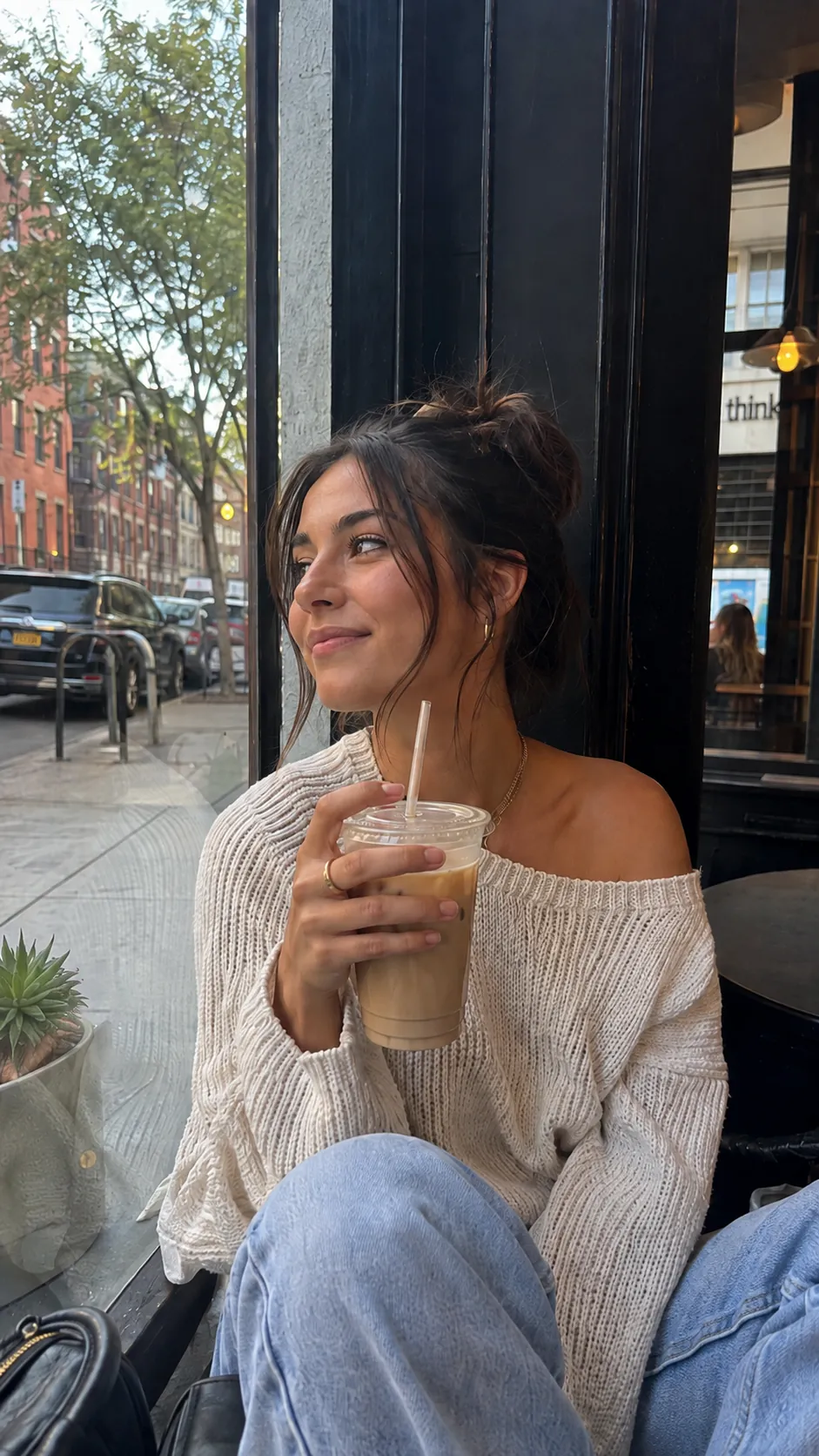
Vertical photo after both Snapchat-style captions were removed
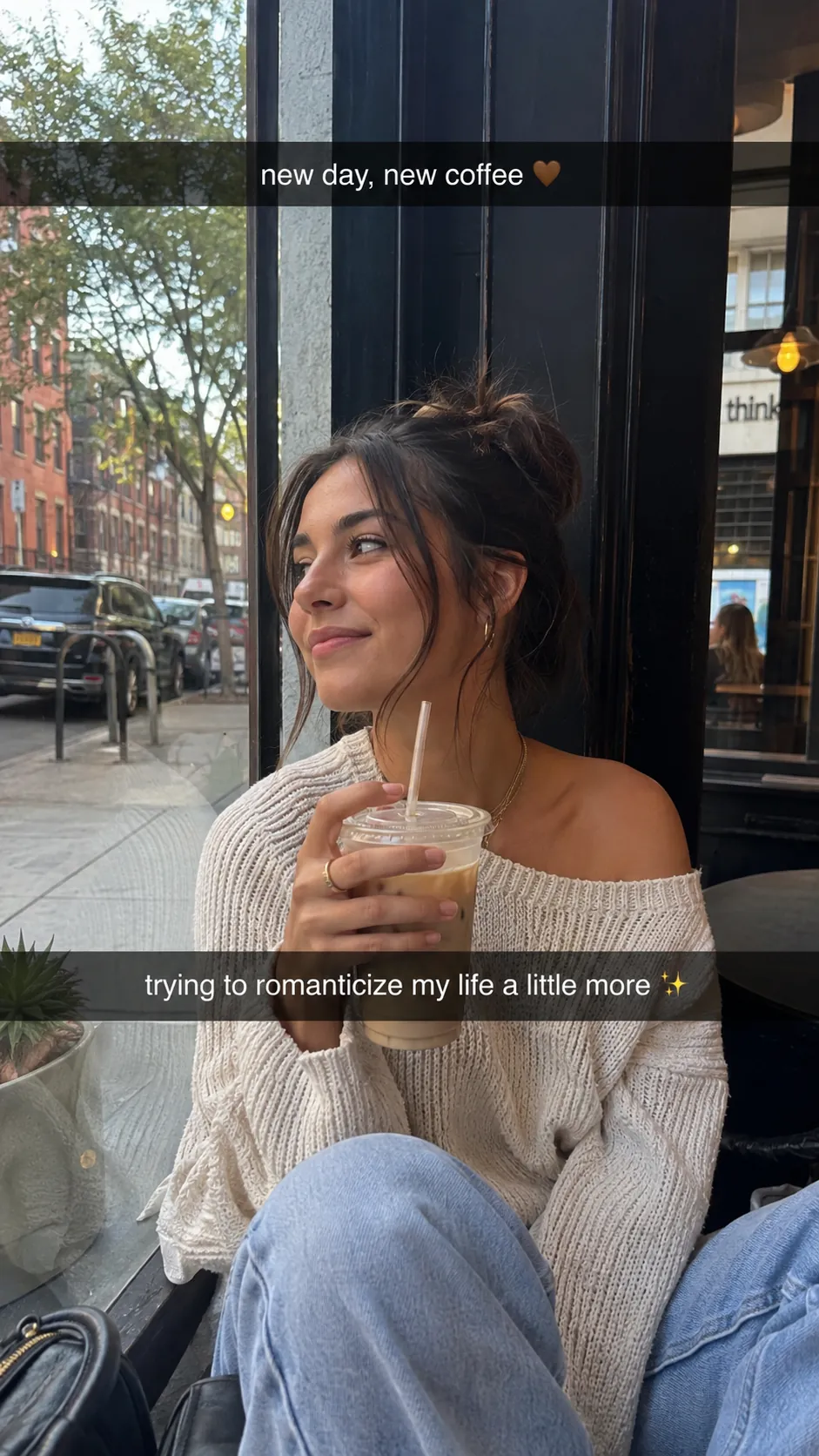
Vertical Snapchat-style photo with two caption bars
OriginalText removed
Quick answer

Upload the saved Snapchat image, tell the remover which caption or bar to erase and review the reconstructed area. The tool can remove text at the top, center or bottom, but it cannot retrieve the untouched original pixels that existed before the caption was added.

Try it on your image

Upload, remove and review

Upload JPG, PNG or WebP files. Add a short instruction when only selected text should be removed.

Upload Images

Drag and drop images here, or click to choose files.

JPG, JPEG, PNG or WebP · Up to 20 MB each · Up to 10 images per batch

Step by step

A clean result starts with a clear target

  1. 01

    Save and upload the image

    Use a photo you own or have permission to edit. Upload the full-resolution saved image rather than a compressed repost.

  2. 02

    Name the caption area

    Ask to remove the top caption, bottom caption or every visible Snapchat text bar. Mention anything that must remain.

  3. 03

    Review the repaired scene

    Check faces, hair, window frames and other details that pass behind the translucent bar.

What can be removed from a Snapchat image?

Common targets include white caption text, translucent black bands, stickers that contain words and timestamps added to a saved photo. Location-based instructions are helpful when a story contains more than one overlay.

Text removal generates a plausible continuation of the visible scene. It does not reveal hidden original pixels or recover a separate unedited Snapchat file.

  • Top and bottom caption bars
  • Short story captions and emojis near the text
  • Text stickers placed over a photo
  • Date or time overlays on your own saved image

Keep the vertical photo looking natural

Caption bars often cross faces, windows and clothing. Review the result at full size and compare fine edges on both sides of the repaired band. If only one bar needs to go, clearly say which one should stay.

Export at the original aspect ratio so the clean image can be reused in a story, reel or vertical post without an extra crop.

FAQ

Questions about this workflow

Can I remove Snapchat captions from a saved photo?+

Yes. Upload the saved image and target the visible caption text or bar. The background is reconstructed from the surrounding visual context.

Can the tool reveal the original image under the text?+

No. Once text is flattened into an image, those exact pixels are not present in the saved file. The tool creates a visually plausible replacement.

Can I remove one Snapchat caption and keep another?+

Yes. Identify the caption by position, such as remove the bottom caption but keep the top text.

Will the vertical size change?+

The remover preserves the source aspect ratio. Download the result and verify the dimensions before reposting.

AI image cleanup

Clean the words from your own image

Upload a supported image, target all text or selected words and review the reconstructed background.

Upload an image