
Comics and localization

Manga Text Remover

Clear dialogue from speech bubbles while protecting line art, halftones and colorful webtoon scenes.

Bubbles
Keep borders while clearing dialogue
B&W + color
Manga, comics and webtoons
Typeset next
Create a clean localization base
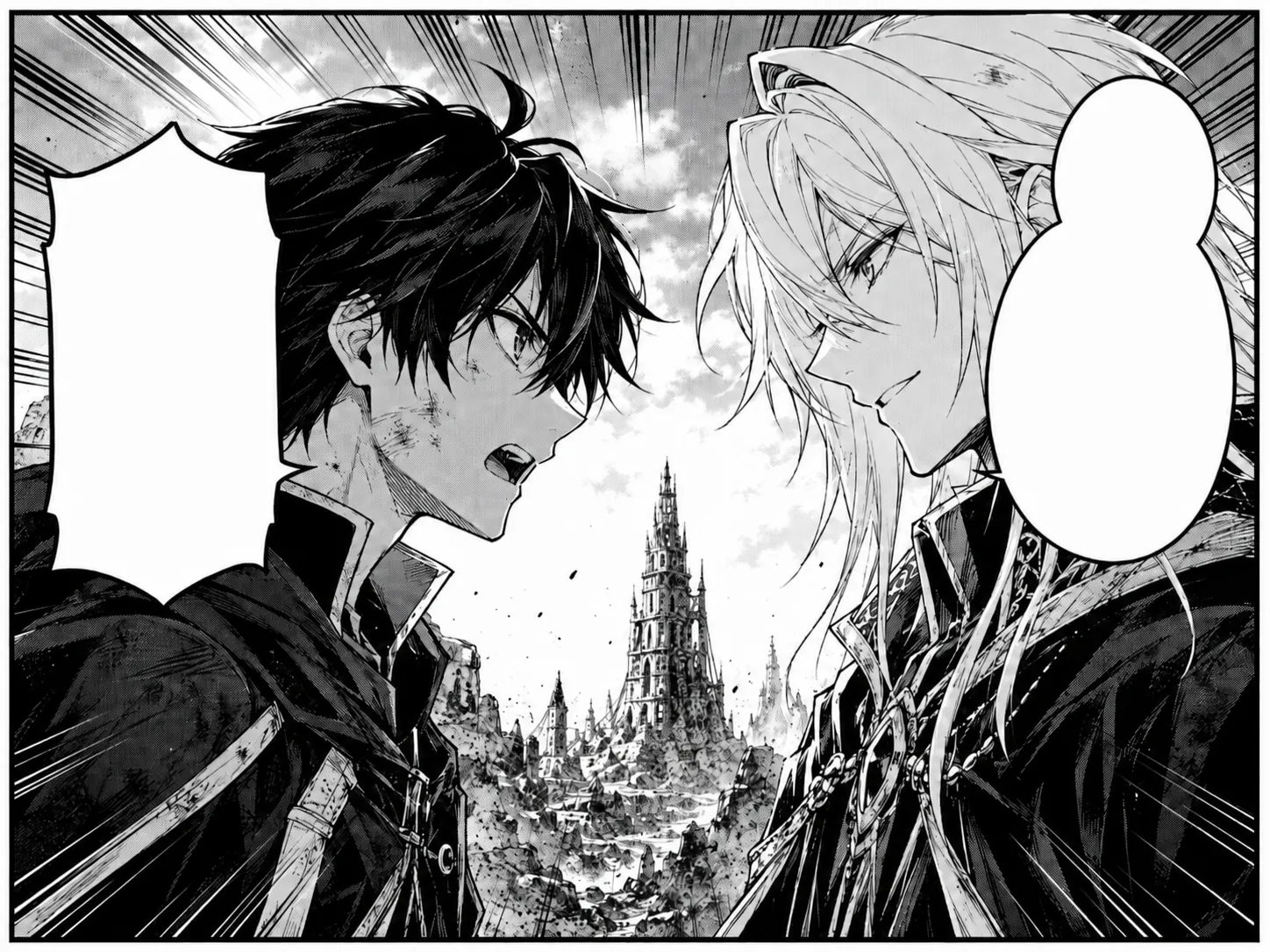
Manga panel with both speech bubbles cleared for new lettering
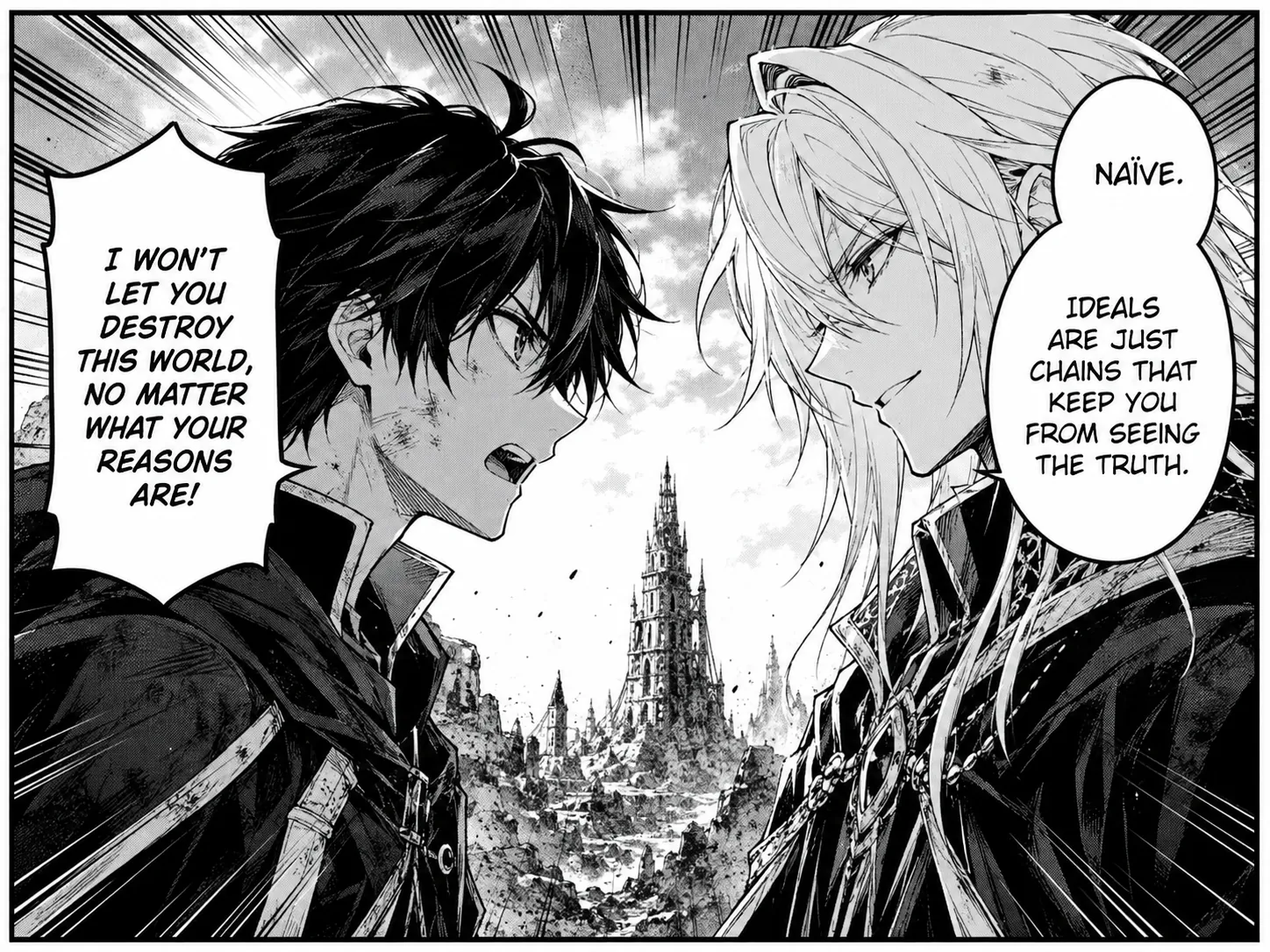
Black and white manga panel with dialogue in two speech bubbles
OriginalText removed
Quick answer

Upload a manga, comic or webtoon panel and remove the dialogue inside each speech bubble. For the cleanest localization base, target only the lettering, keep bubble borders and sound effects when required, then inspect halftone and line-art edges before typesetting the translation.

Step by step

A clean result starts with a clear target

  1. 01

    Upload one panel or page

    Use a sharp scan or export where thin outlines and halftone dots remain visible.

  2. 02

    Specify what should stay

    Ask to remove dialogue while preserving bubble borders, panel lines and any sound effects that should remain.

  3. 03

    Check the empty bubbles

    Look for leftover punctuation, broken outlines or gray texture before placing translated text.

Manga panel with both speech bubbles cleared for new lettering
Black and white manga panel with dialogue in two speech bubbles
OriginalText removed

Black-and-white dialogue removal with bubble outlines preserved

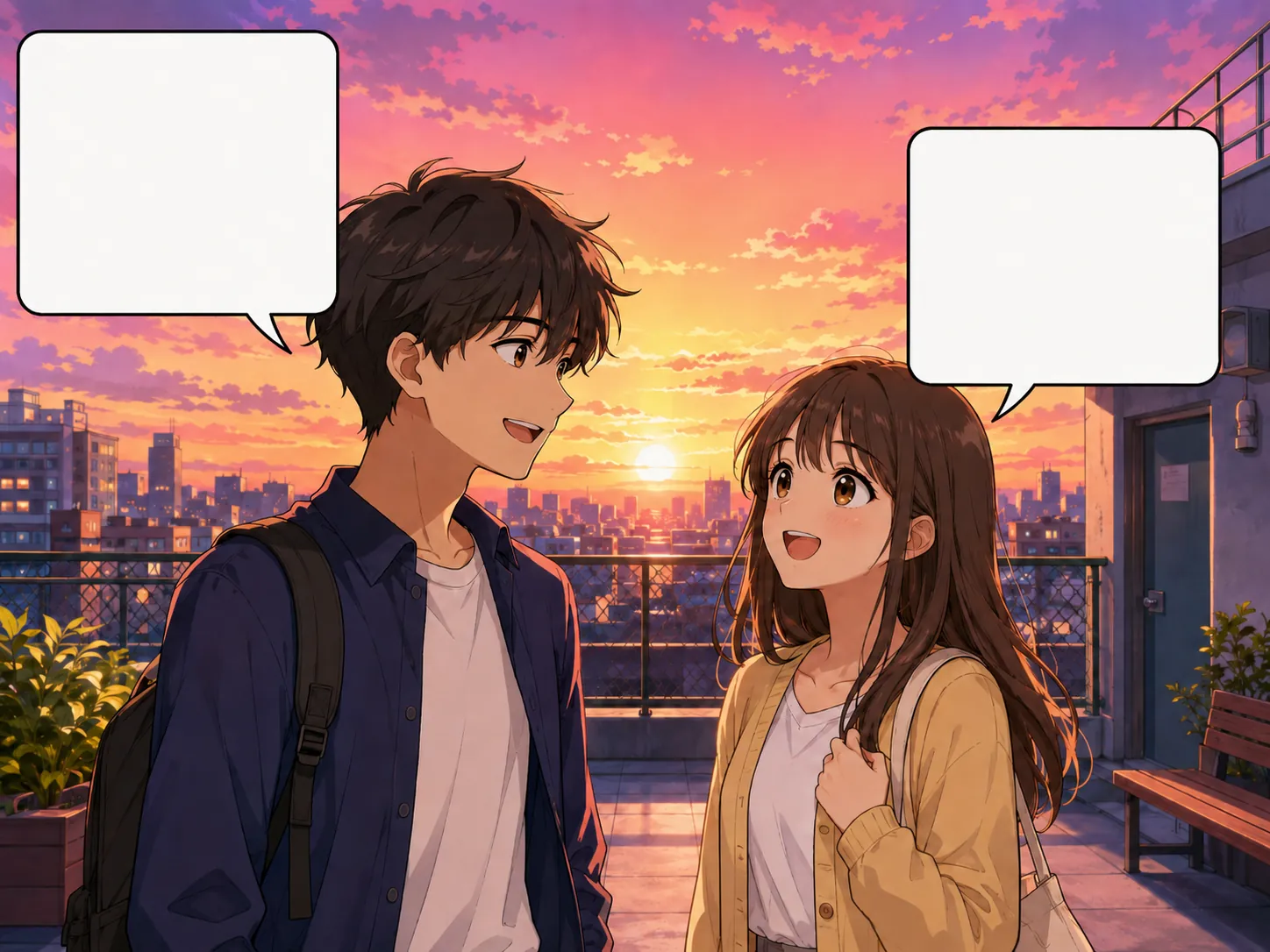
Color webtoon scene with empty speech bubbles
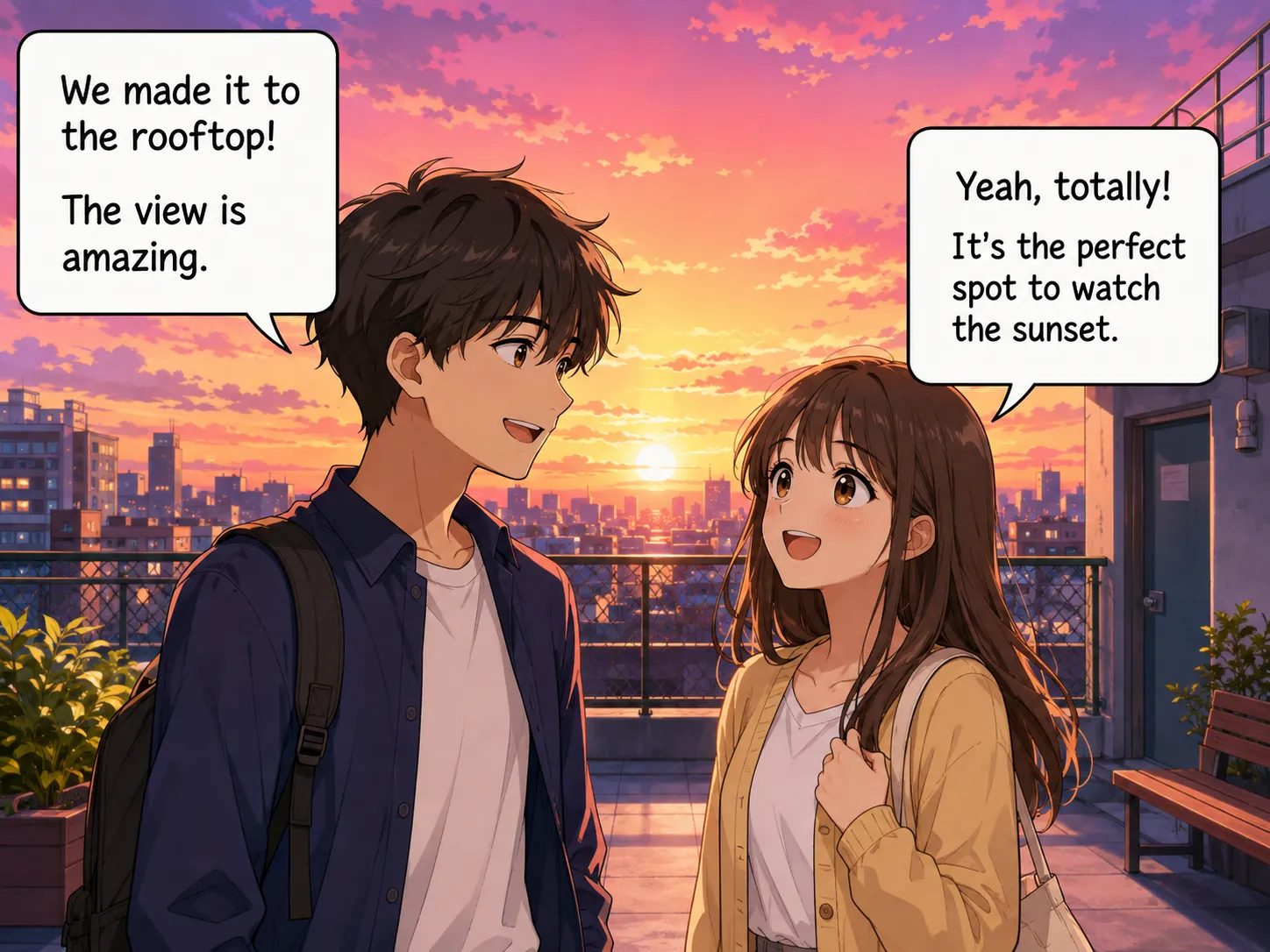
Color webtoon scene with text in two speech bubbles
OriginalText removed

Webtoon dialogue cleared without changing the characters or sunset

Try it on your image

Upload, remove and review

Upload JPG, PNG or WebP files. Add a short instruction when only selected text should be removed.

Upload Images

Drag and drop images here, or click to choose files.

JPG, JPEG, PNG or WebP · Up to 20 MB each · Up to 10 images per batch

Prepare manga panels for translation

A useful cleanup result leaves the speech bubble shape intact and creates a consistent interior for new lettering. On black-and-white pages, inspect screentone dots and thin inked contours near the words.

For colored webtoons, dialogue bubbles may overlap hair, sky or buildings. Say whether the entire bubble should remain or whether both text and bubble need removal.

Dialogue, narration and sound effects

These elements often need different treatment. Dialogue usually sits inside white bubbles, narration may appear in rectangular boxes, and sound effects can be integrated into the art.

Work in separate passes when only certain elements are being localized. Precise instructions reduce the chance of erasing decorative lettering or panel details that belong to the illustration.

  • Remove dialogue and keep bubble outlines
  • Clear narration boxes without changing their borders
  • Keep selected sound effects when they are part of the art

FAQ

Questions about this workflow

Can I remove text from manga speech bubbles?+

Yes. Target the dialogue while instructing the tool to preserve the bubble outline and surrounding line art.

Does it work on colored webtoons?+

Yes. Color panels can be cleaned as well as black-and-white pages. Review any bubble that overlaps a character or detailed background.

Can I keep Japanese sound effects?+

Yes. Identify dialogue or narration by location and explicitly ask to keep the sound-effect lettering.

Can I use the result for commercial translation?+

Only if you own the artwork or have the required permission and publishing rights. The cleanup tool does not grant rights to the source material.

AI image cleanup

Clean the words from your own image

Upload a supported image, target all text or selected words and review the reconstructed background.

Upload an image