
Photo caption cleanup

Remove a Caption from a Photo

Erase quotes and subtitle-style text while keeping the photograph and its original composition.

Quotes
Remove one-line or multi-line captions
Full frame
Avoid cropping away the photo edge
Selective
Keep signs or other text when needed
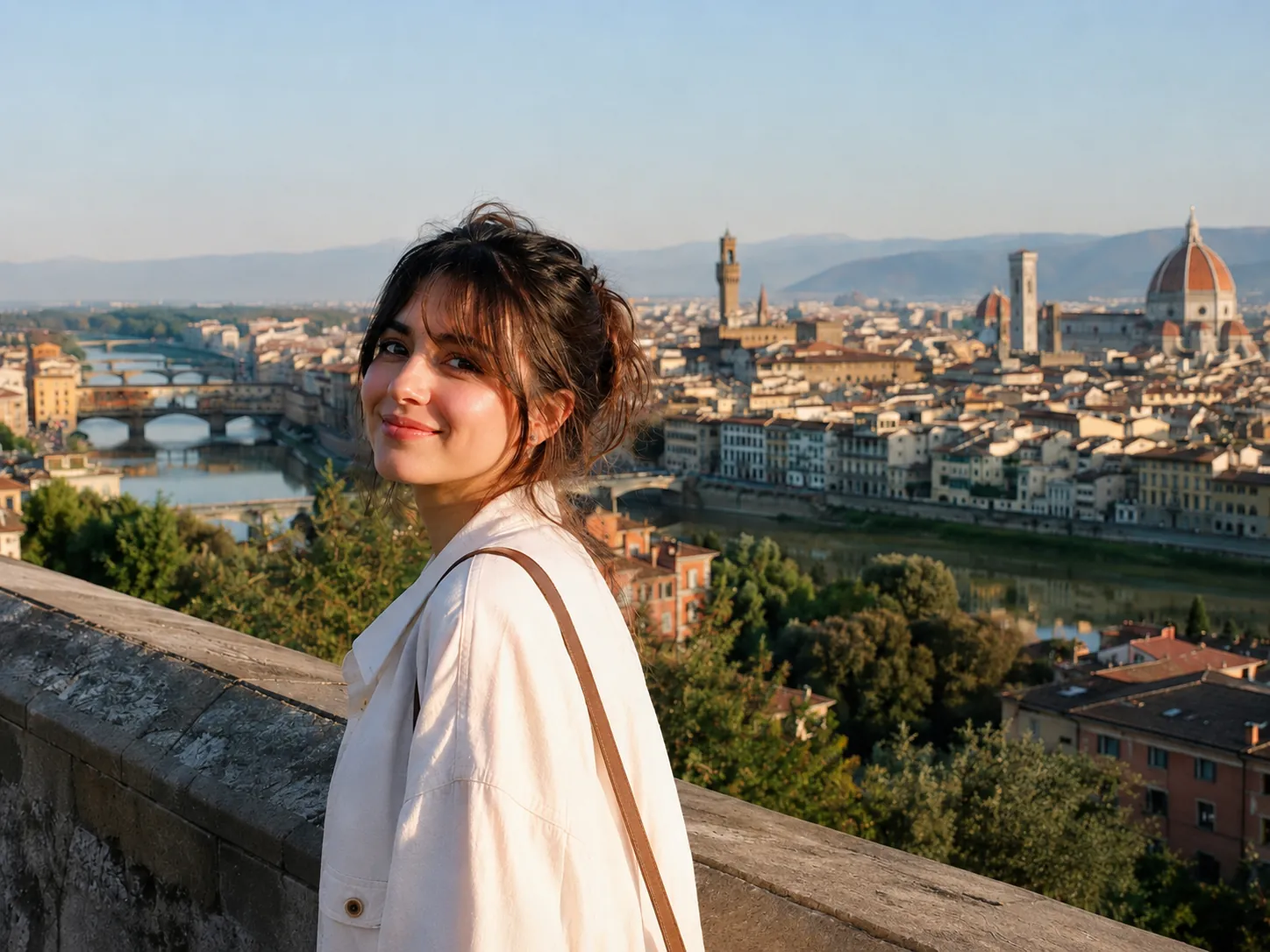
Clean travel portrait after the bottom caption was removed
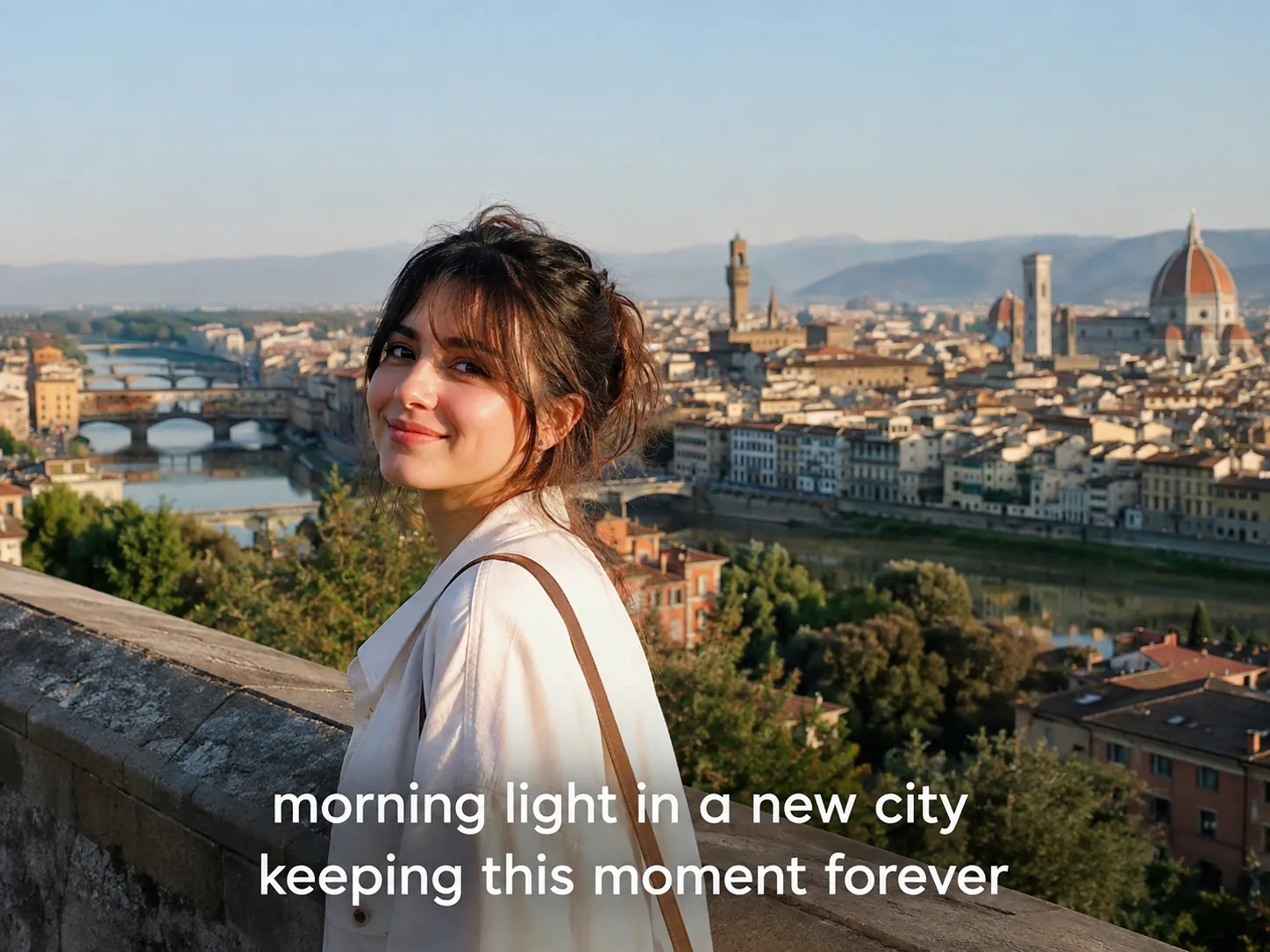
Travel portrait with a two-line white caption at the bottom
OriginalText removed
Quick answer

Upload the photo, identify the caption by its position and remove the full lettering including shadows or outlines. AI reconstructs the area from the visible scene around it. Inspect faces, clothing and architectural lines when the caption crosses important detail.

Step by step

A clean result starts with a clear target

  1. 01

    Upload the best copy

    Use the original saved photo rather than a small thumbnail or a repeatedly shared version.

  2. 02

    Identify the caption

    Name its position and appearance, especially when signs or other text should stay.

  3. 03

    Inspect the entire caption band

    Check every area the letters crossed, including clothing, faces, rails and scenery.

Try it on your image

Upload, remove and review

Upload JPG, PNG or WebP files. Add a short instruction when only selected text should be removed.

Upload Images

Drag and drop images here, or click to choose files.

JPG, JPEG, PNG or WebP · Up to 20 MB each · Up to 10 images per batch

Captions often cross more than one surface

A bottom caption may sit partly over clothing, a wall and a distant scene. Each region needs its own color, focus and texture, so the repair should be reviewed across the full line rather than at one letter.

Include shadows, strokes and semi-transparent text backgrounds in the target. Leaving those effects behind can make the removed caption still visible as a faint band.

Caption removal or cropping?

Cropping is fast when a caption sits fully below the important content. It also changes the composition and may remove feet, foreground or useful negative space.

AI removal is a better fit when you want to keep the complete frame. Preserve a copy of the original when the caption records authorship or context that may matter later.

FAQ

Questions about this workflow

Can I remove a quote from a photo?+

Yes. Target the entire quote, including outline and shadow, and review the restored area at full size.

Can I remove subtitles from a still image?+

Yes. A subtitle in a single frame can be treated as a bottom caption. Video subtitles require a separate frame-by-frame workflow.

Can I keep other writing in the photo?+

Yes. Use a location-based instruction such as remove the bottom caption but keep the storefront sign.

Is cropping better than removing a caption?+

Cropping is simpler when the edge is disposable. Removal keeps the full composition when the caption overlaps important content.

AI image cleanup

Clean the words from your own image

Upload a supported image, target all text or selected words and review the reconstructed background.

Upload an image