


Remove sale text from a product photo
Clear promotional copy without losing the bottle, sand, shadows or surrounding props.
Remove text from images with AI.
Start with 30 free credits. Process up to 3 images, no payment required.Remove text now
Erase words from photos and rebuild the hidden background in a few clicks.


30 free credits
Try up to 3 images after creating an account
No added watermark
Download the cleaned image without our branding
JPG, PNG, WebP
Common image formats up to 20 MB each
Up to 10 images
Add several photos to one processing batch
Online AI text remover
Drop in a photo, poster, product image or meme. The AI identifies visible text, removes it and generates a natural continuation of the background.
Drag and drop images here, or click to choose files.
JPG, JPEG, PNG or WebP · Up to 20 MB each · Up to 10 images per batch
Before and after
Move each slider to inspect the result. These examples cover common jobs such as cleaning product photos, editing poster copy, removing meme captions and erasing only selected text.
Clear promotional copy without losing the bottle, sand, shadows or surrounding props.


Erase a headline and date while rebuilding the architecture and sky underneath.

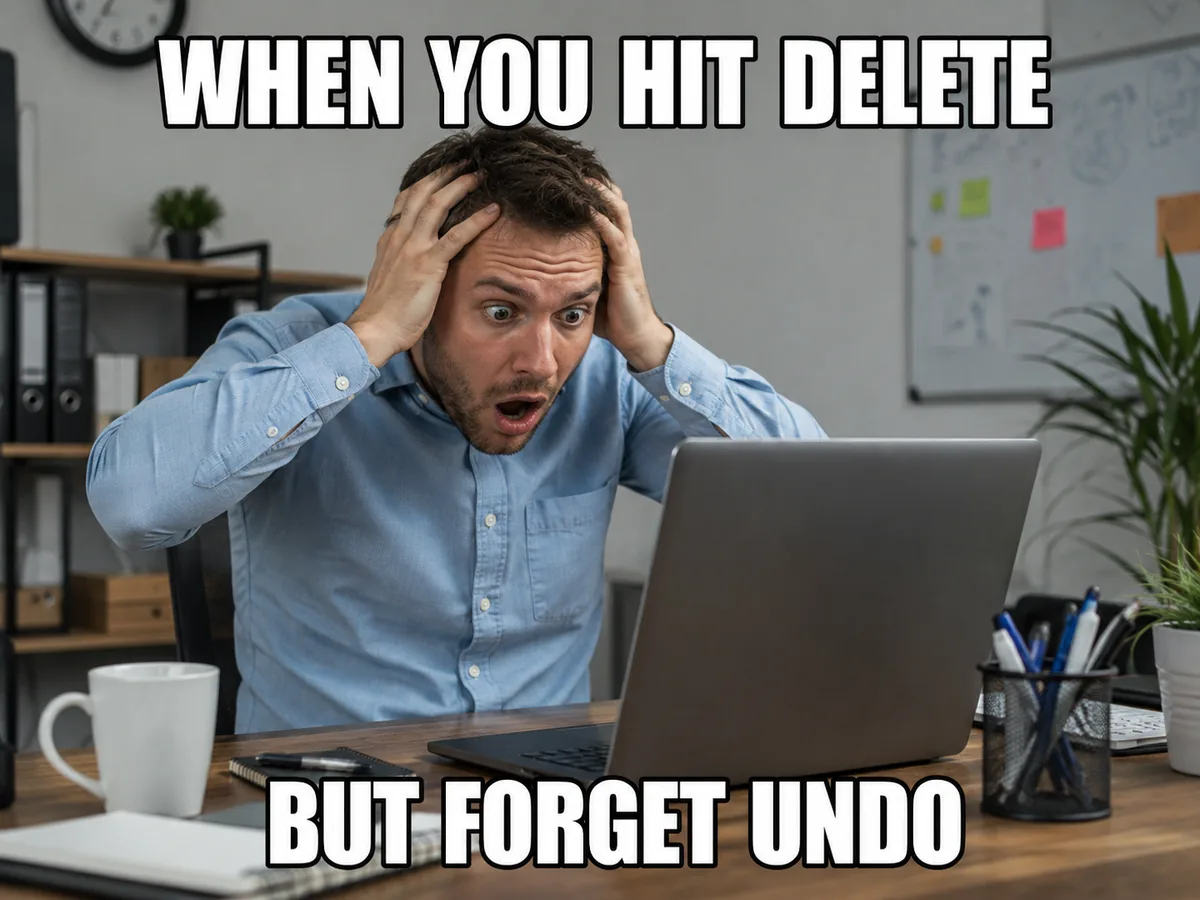
Remove large caption text while keeping facial details and the original framing intact.
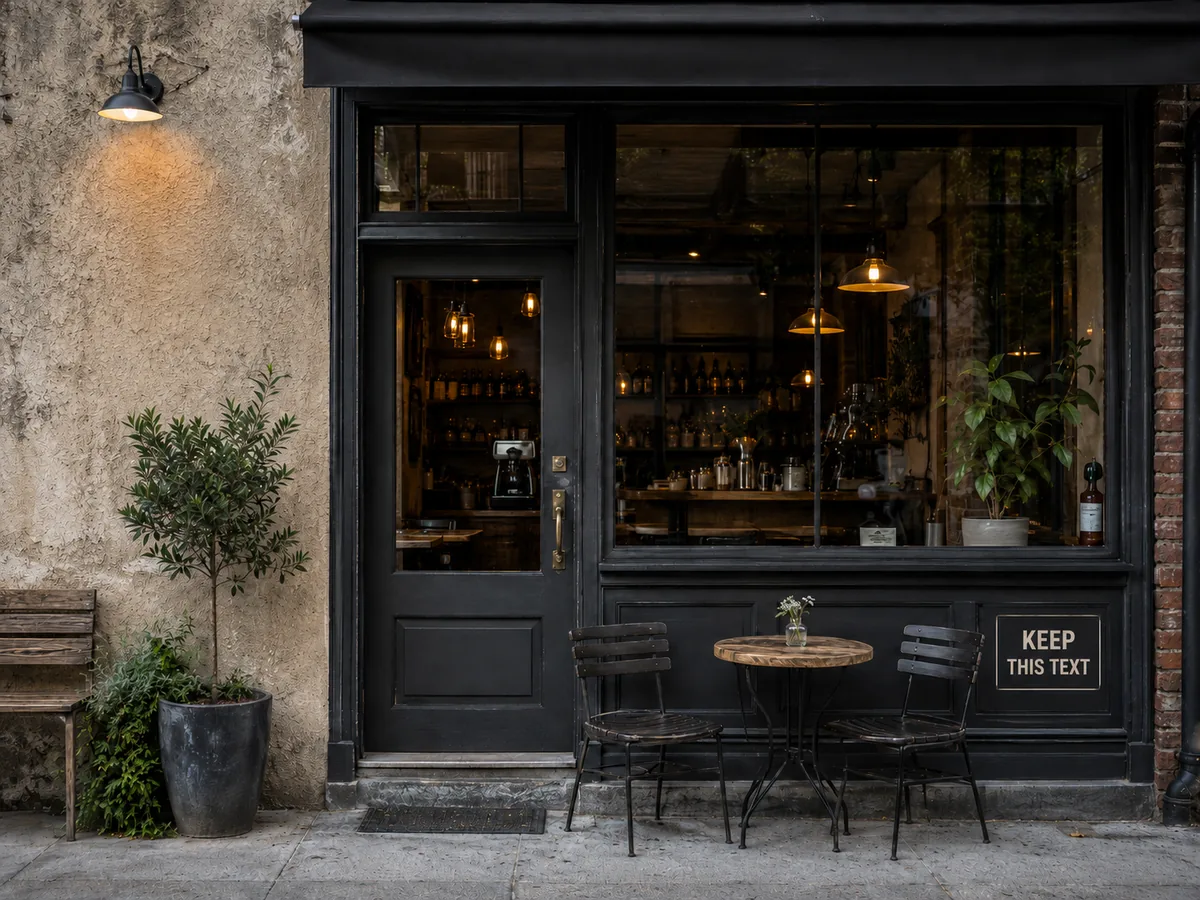
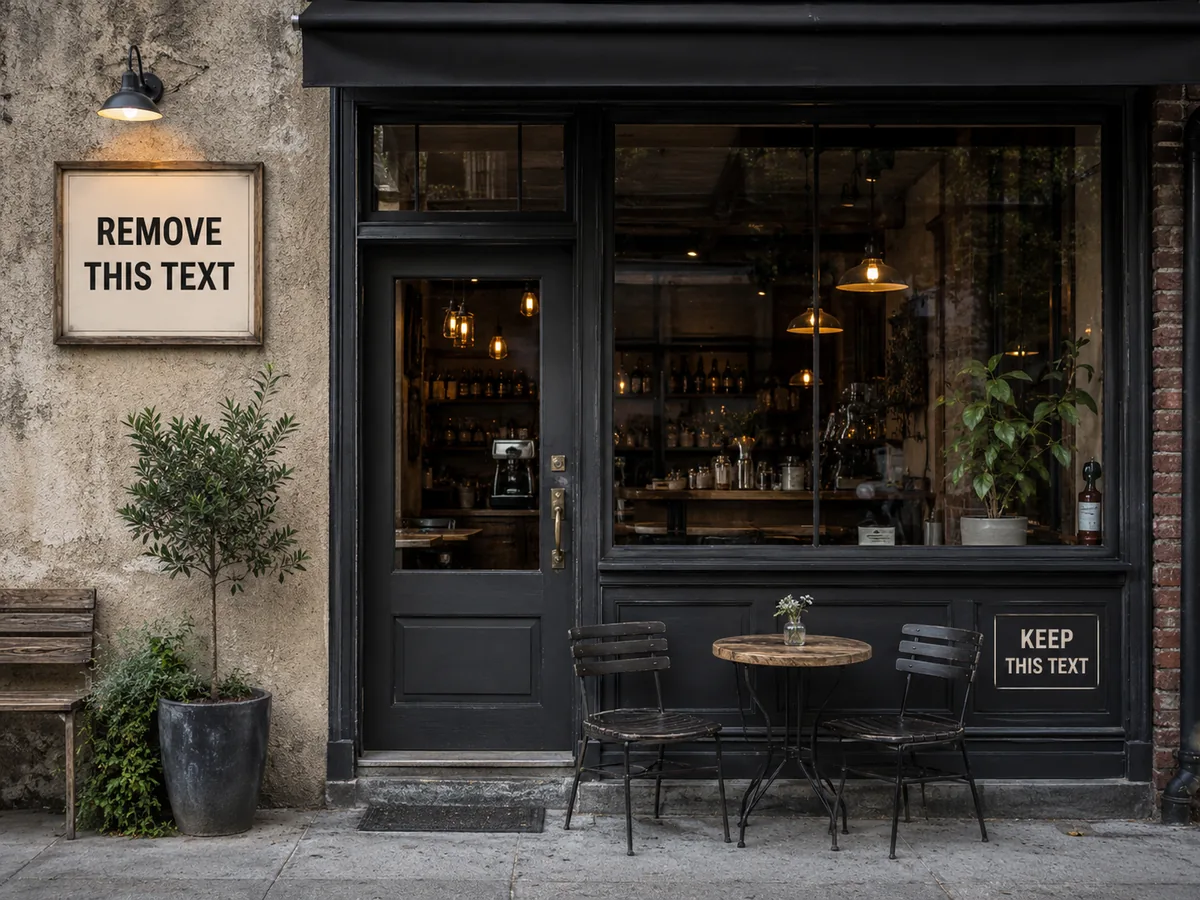
Use custom instructions when one sign should disappear and another should stay unchanged.
Text removal is useful only when the edited area still looks believable. The workflow is designed around both erasing words and reconstructing what they covered.
The AI generates matching texture, color and local detail instead of leaving a flat blur behind.
Clean portraits, travel photos, screenshots, social graphics and other everyday images online.
Remove headlines, price labels, sale copy and outdated campaign text from marketing visuals.
Add a short instruction to explain which words should be removed and which details should remain.
The result keeps the source aspect ratio and can be downloaded as JPG, PNG or WebP.
How it works
No manual brush work is required. You choose the file and the instruction, then review the completed result before downloading it.
Choose a JPG, PNG or WebP file. You can add up to 10 images and each file can be up to 20 MB.
Run the default text remover or add optional instructions when you need to target a specific word, caption or sign.
Compare the original with the clean result, then download the image or generate another version when needed.
Each image costs 10 credits. Failed AI tasks automatically return reserved credits.
For occasional image cleanup.
$8.25 / month
500 credits / month
Up to 50 images / month
For regular creative work.
$16.58 / month
1,500 credits / month
Up to 150 images / month
For higher-volume workflows.
$41.58 / month
4,000 credits / month
Up to 400 images / month
Included in every paid plan
How credits work
Questions answered
Practical details about image formats, free credits, selective removal, results and downloads.
Upload a JPG, PNG or WebP image, optionally describe the words you want removed, and start the task. The AI erases visible text and reconstructs the covered area so you can review and download a clean result.
Yes. A new verified account starts with 30 free credits. Processing one image costs 10 credits, so the initial balance is enough to try up to 3 images without entering payment details.
RemoveText does not add its own watermark to completed downloads. Only edit images you own or have permission to modify. The tool is intended for removing visible text, not for bypassing ownership marks or rights notices.
The tool generates new pixels that follow nearby colors, texture, lighting and shapes. Results depend on image complexity, but this approach usually looks more natural than blur, cloning or covering text with a solid patch.
Yes. Add a custom instruction such as remove the text on the left sign but keep the words on the right. Clear, location based instructions help the model preserve content that should remain.
You can upload JPG, JPEG, PNG and WebP files. Each image can be up to 20 MB and you can add up to 10 supported images to a batch. The original aspect ratio is preserved.
Yes. Common uses include deleting poster headlines, meme captions, promotional sale text, labels, dates, signs and other visible words from photos or designed images.
Credits are reserved when processing begins. If the AI task fails, the reserved credits are automatically returned. You can then adjust the instruction or image and try again.
Learn how the underlying image workflow is designed and review the rules that apply when uploading or editing content.
Upload a picture, let AI rebuild the covered area and download a clean result in the format you need.